
Revolutionizing Mobile Security in 2025
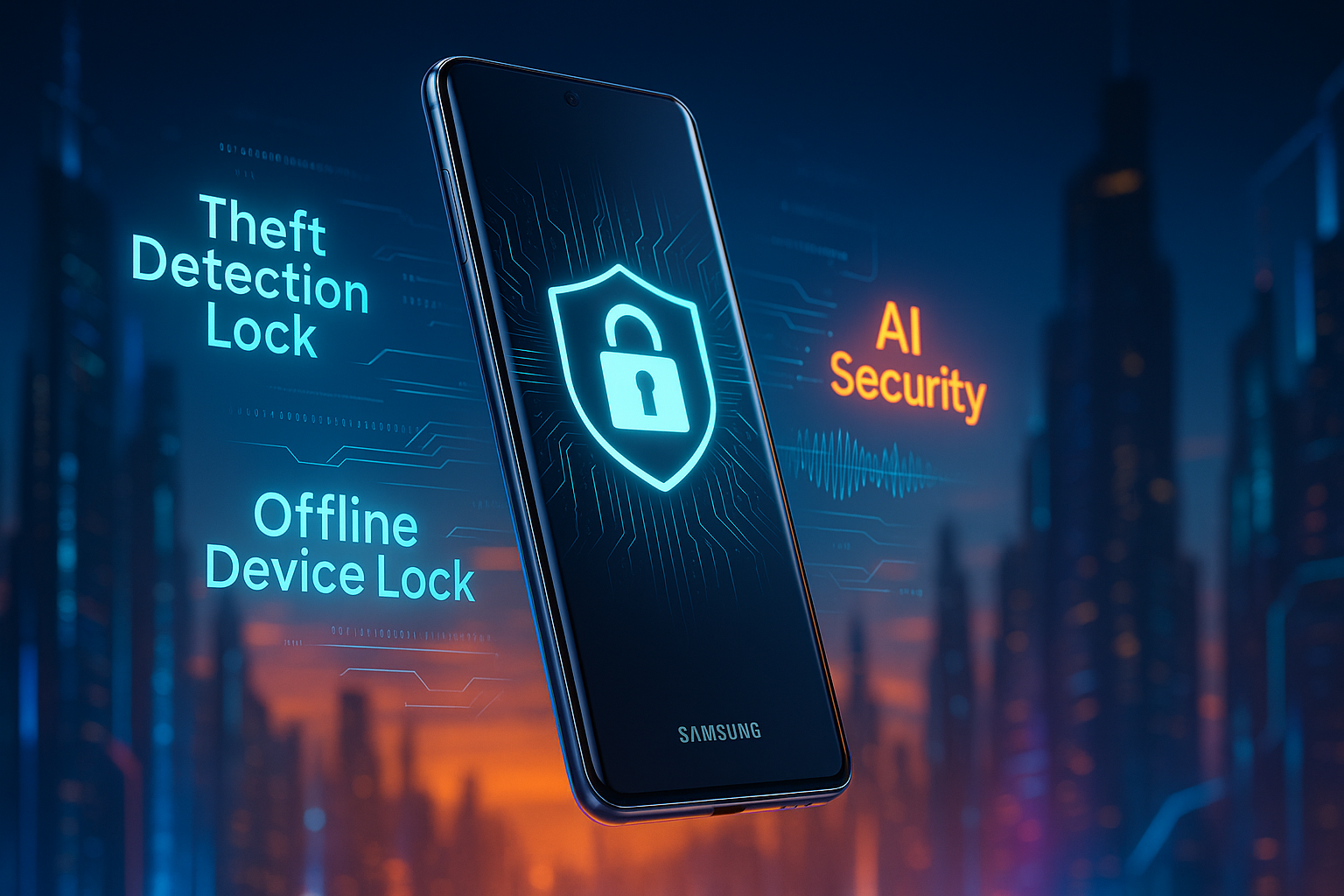
As smartphone theft reaches unprecedented levels, simply relying on a PIN or pattern lock is no longer enough. In response to evolving threats—from opportunistic snatch-and-runs to sophisticated credential hacks—Samsung has fortified its defenses with One UI 7, delivering a multi-layered anti-theft suite that anticipates and neutralizes risks before they escalate.
Callout:
“Data is your most valuable asset—safeguard it with intelligent, proactive protections designed for every situation.”
By blending machine learning, biometric safeguards, and network-aware locks, Samsung empowers Galaxy users (aged 14–60+) with tools tailored to real-world theft scenarios. Here’s how you can leverage these features to restore peace of mind.
1. Theft Detection Lock: Stop Thieves in Their Tracks
-
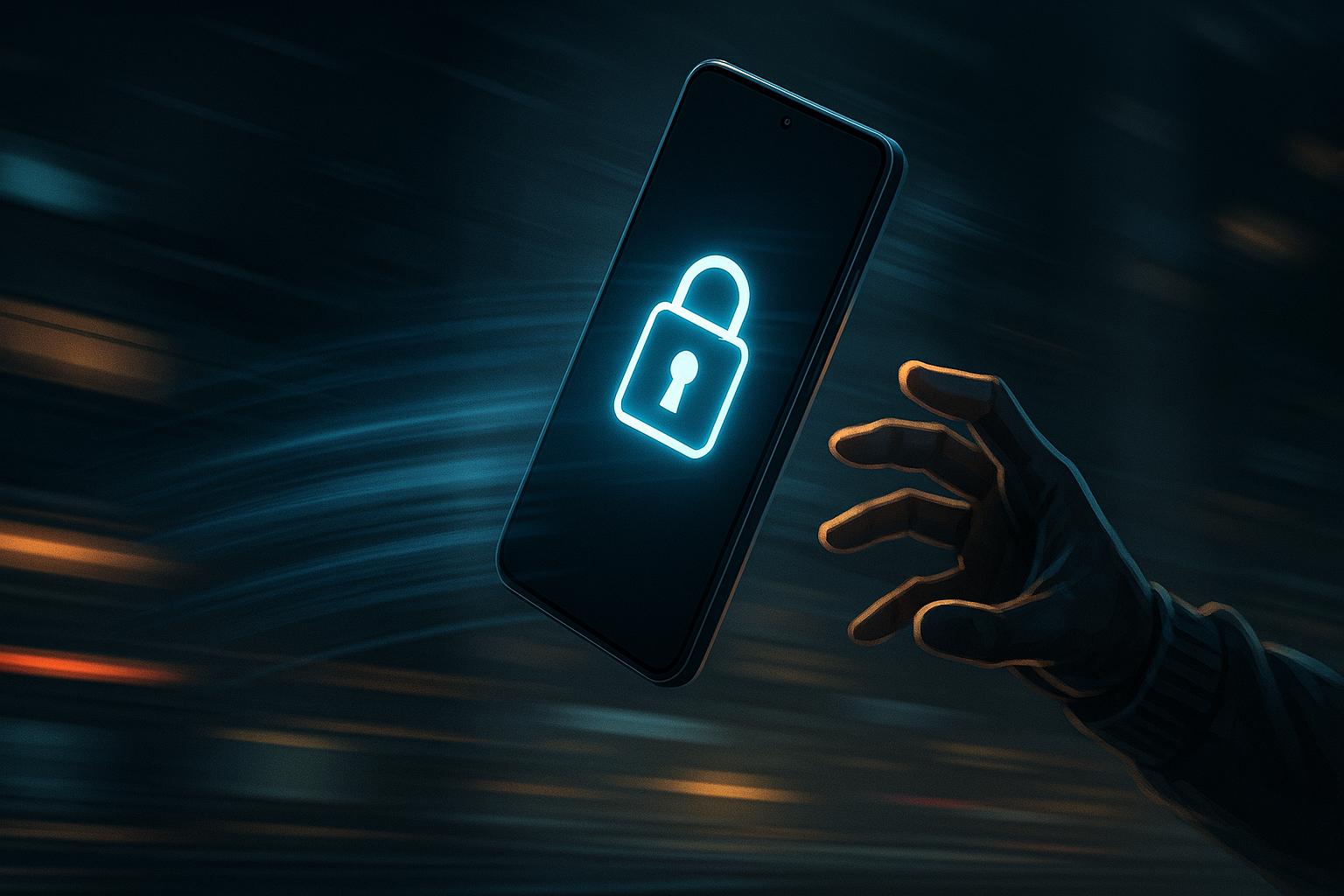
How it works: On detecting sudden motions—like snatching—your Galaxy instantly locks its screen.
-
Why it matters: Automated response times of under a second prevent unauthorized swipes or quick PIN guesses.
2. Offline Device Lock: Protection Even Off the Grid
-
How it works: If your device goes offline for an extended period, One UI 7 auto-locks to prevent rogue access.
-
Why it matters: Traditional “Find My Device” features fail without connectivity—this offline lock bridges that gap.
3. Remote Lock & Erase: Your Last Line of Defense
-
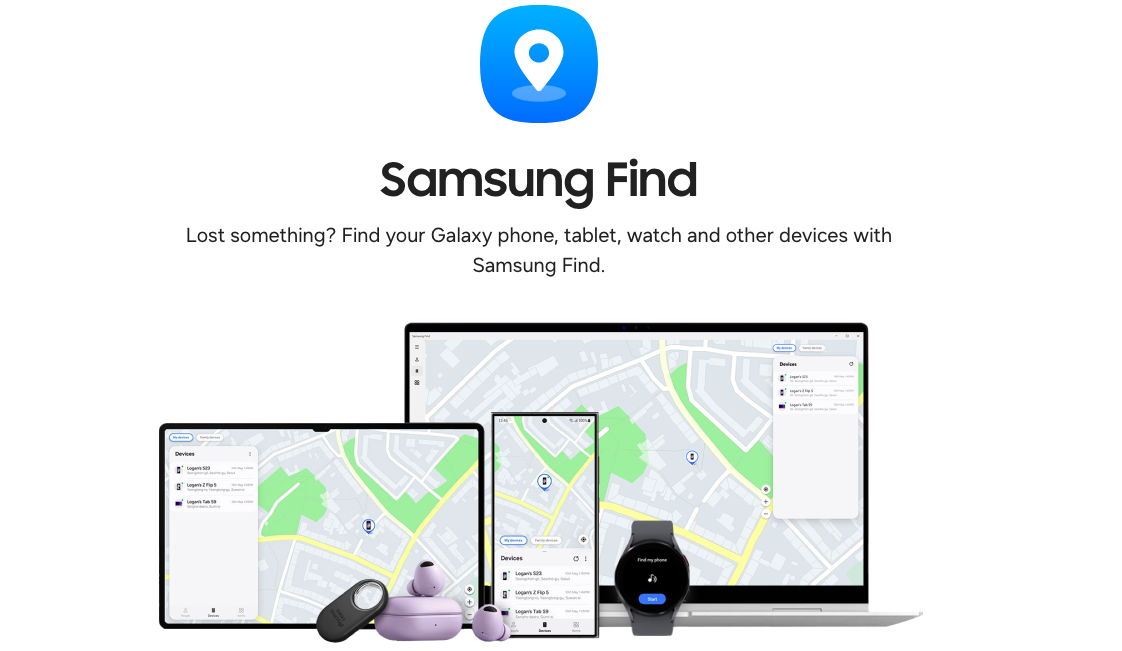
Remote Lock: Use Samsung Find to freeze your device with a PIN, even if the thief removes your SIM.
-
Erase Data: When recovery is unlikely, wipe your device—including Samsung Pay credentials—to block misuse.
Tip: Regularly back up to the cloud so you can restore critical data after an erase.
4. Identity Check & Security Delay: Thwart Advanced Robberies
-
Identity Check: In unfamiliar locations, biometric changes (e.g., new fingerprint enrollment) trigger extra verification.
-
Security Delay: If a thief attempts to reset your biometrics, One UI 7 enforces a one-hour “cool-down,” giving you a window to lock or wipe remotely.
This dynamic duo addresses scenarios where access credentials may be compromised—because today’s thieves are as savvy as ever.
Step-by-Step: Activating Your Anti-Theft Features
-
Update: Ensure your Galaxy is on One UI 7 (starting with S25 series, then rolling out across S24, Z Fold6, Flip6, S23/S22).
-
Navigate:
-
Settings → Security → Theft Protection
-
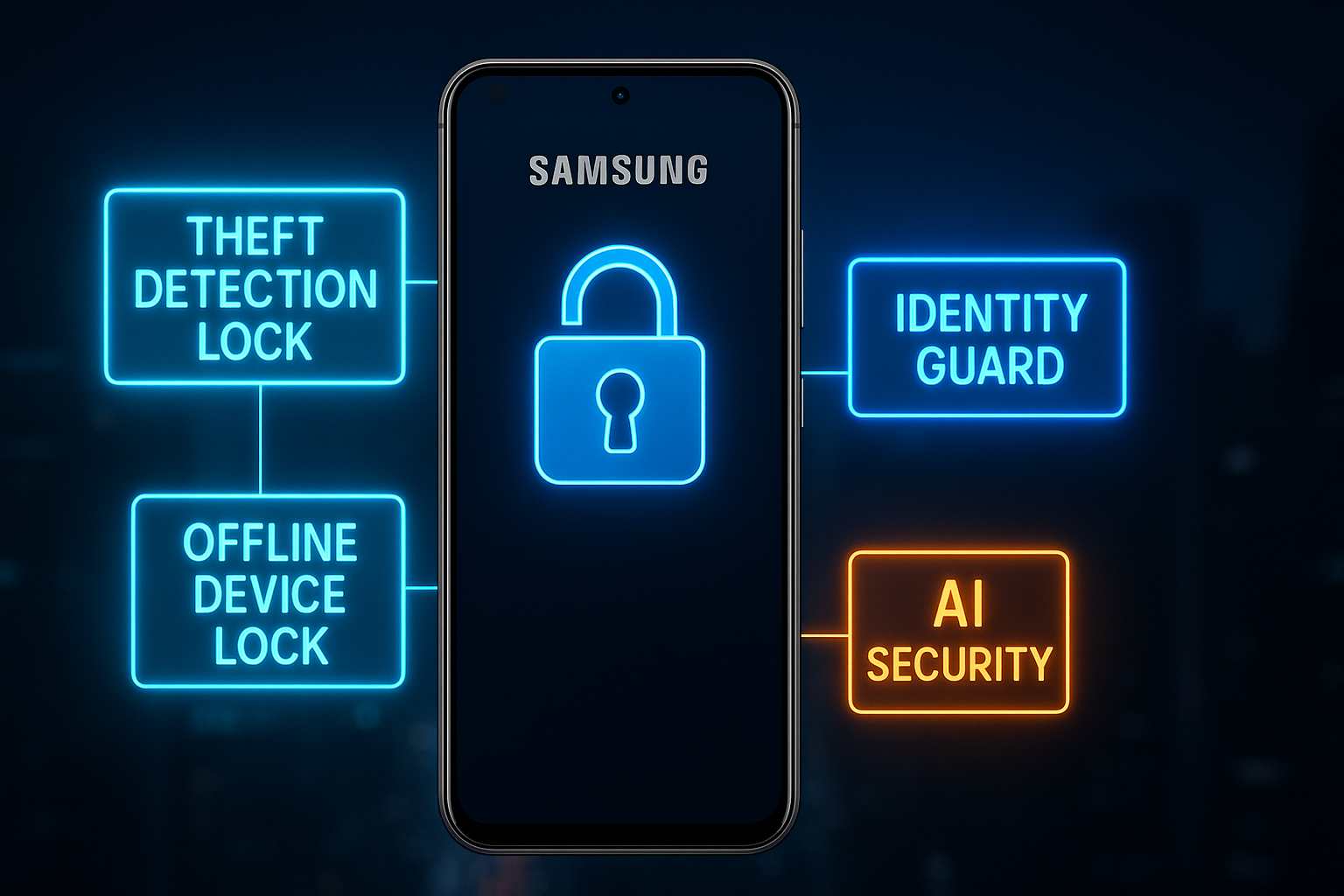
Toggle on Theft Detection Lock, Offline Device Lock, and Identity Check.
-
-
Customize:
-
Set your preferred Remote Lock PIN.
-
Choose “Safe Places” for location-based biometric locks.
-
Pro Tip: Pair your account with a secondary device (tablet/PC) to manage locks and wipes seamlessly.
Future-Proof Your Security Posture
Future-Proof Your Security Posture
-
Stay Updated: Samsung plans ongoing enhancements—keep an eye on monthly security patches.
-
Insure Smartly: Complement digital safeguards with insurance covering loss, theft, and damage.
-
Educate & Share: Encourage family and coworkers to activate these features on their Galaxy devices.
By adopting a holistic approach—combining intelligent software, proactive user habits, and insurance—you’ll transform your phone from a vulnerable target into an impenetrable fortress.

